Love to hear from you!
Get in touch.

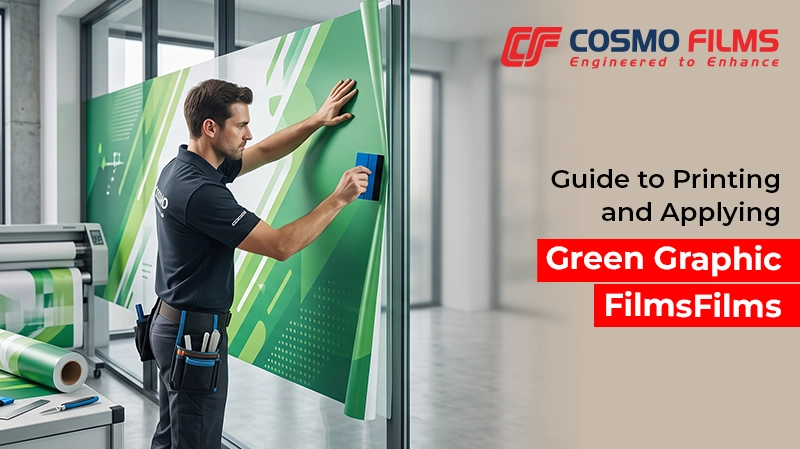
From retail displays and wall graphics to campaigns and vehicle branding, printed graphics need to deliver both visual appeal and reliable applications. Cosmo’s Green Graphic Film is designed to support versatile printing and installation requirements, making it suitable for a range of graphic applications.
For businesses, printers and installers,
getting the best results depends not only on the film but also on the way it is
printed, handled and applied.
Here are some practical tips to help achieve
consistent results with our Green Graphic Films.
1. Choose the Right Printing Technology
Our Green Graphic Film is compatible with
multiple digital printing technologies, giving printers flexibility based on
their equipment and application requirements. Supported printing technologies
include:
·
Solvent printing
·
Eco-solvent printing
·
Latex printing
·
UV printing
Tip: Before starting a production run,
always confirm that the selected printer and ink system are suitable for the
specific film and intended application. For HP Latex printing, if any printing issues are
observed, reduce the printing temperature from 130°C to 85–90°C.
2. Use Compatible Inks
The choice of ink plays an important role in
print quality, adhesion and overall performance. Our Green Graphic Film is
compatible with:
·
Solvent inks
·
Eco-solvent inks
·
Latex inks
·
UV inks
Tip: Using a compatible ink system helps
achieve consistent colour reproduction and print quality. For optimal print
performance, users can download the recommended colour profile from the
ColorBase website. For new printer-film combinations, conducting
a small trial before full-scale production is recommended.
3. Prepare the Film Before Printing
Proper preparation can help prevent avoidable
printing issues. Before loading Cosmo Green Graphic Film onto the printer:
·
Allow the film to reach room
temperature - If the film has been stored in a
significantly different environment, allow it to acclimatize before printing.
·
Optimize printer settings -
Adjust settings such as print mode, ink density and drying parameters according
to the printer and ink system being used.
·
Confirm ink compatibility - Make
sure the selected ink is compatible with the film before starting production.
·
Handle the printable surface carefully
- Avoid touching or contaminating the printable side unnecessarily,
as dust, fingerprints or other contaminants can affect print quality.
·
Handle the printable surface carefully
- Avoid touching the printable side with bare or oily hands before
or during printing, as fingerprints, oil and other contaminants can affect
print quality and ink adhesion.
Once the graphic has been printed,
installation is the next important step. The application surface should be
clean, smooth and free from dust, grease and other contaminants. An improperly
prepared surface can affect the appearance and performance of the finished
graphic. Before application, inspect the surface carefully and clean it using a
suitable method for the substrate.
For large graphics, complex surfaces or
high-visibility applications, professional installation is recommended.
Installers should follow appropriate application techniques based on the
substrate, graphic size and project requirements.
From printing and handling to surface
preparation and application, each stage contributes to the final performance of
the graphics. Following these basic precautions can help printers and
installers achieve reliable results with Cosmo Green Graphic Films. To know
more, reach out to us today!
Frequently Asked Questions
1. What printing technologies are compatible
with Green Graphic Film?
A. Green Graphic Film is compatible with
solvent, eco-solvent, latex and UV printing technologies.
2. Which ink can be used with Cosmo Green
Graphic Film?
A. Our Green Graphic Films is compatible with
solvent, eco-solvent, latex and UV inks.
3. Should Green Graphic Film be acclimatized
before printing?
A. Yes. Allow the film to reach room
temperature before printing, particularly when it has been stored in different
temperature conditions.
4. How should the Green Graphic Film be
handled before printing?
A. Handle the printable surface carefully and
avoid unnecessary contact or contamination from dust and fingerprints.
5. How can dust contamination be reduced
during installation of Green Graphic Films?
A. Install in a clean environment and ensure
that both the film and application surface are free from dust and debris.
Featured Post
Love to hear from you!
Get in touch.